RSS to Twitter Tools

Twitter makes it easy for you to post updates to your followers, or the world at large. It’s well suited for quick updates, but less for “bloggy” content. How do you get your blog into Twitter without any particular effort? There are a variety of tools to help you do this. Here’s a quick overview of some of these tools. Use one I don’t mention? Let me know in the comments — I’ll update the post as needed.

All of these tools post on your behalf, which means that they use your Twitter account login and password behind the scenes. You provide the tool with your Twitter account login and password. You may wish to set up a separate Twitter account just for your blog if you’re concerned about sharing your Twitter login with a 3rd party.

FeedNest

FeedNest. This tool asks you for a bit more information about your feed than do others, so that users can search FeedNest and find your blog’s content. It asks you to describe your blog’s content and give the name of the site.

RSS Twitter

RSS Twitter. A simple interface — your Twitter account and your blog’s RSS feed.

TwitterFeed

TwitterFeed. I’ve used this tool for this blog in the past. It offers some statistics tracking for how your posts are read (by redirecting the links from Twitter tweets through its own server).

Twitter Tools

Twitter Tools (WordPress plugin). If you publish your blog with WordPress, there’s a plugin that will automatically send a tweet to Twitter when you publish your blog post.

Missing your Favorite?

Leave a comment and let me know which tool you use.
Google Chrome Beta for Mac and RSS

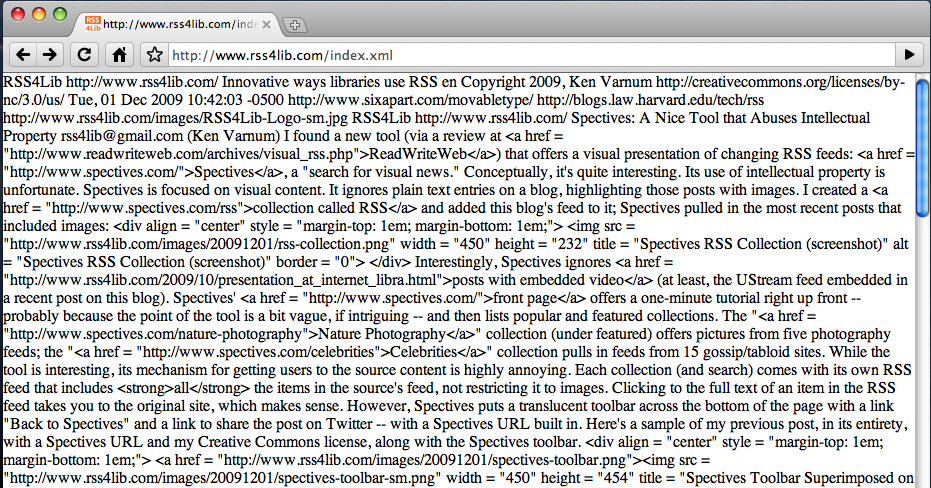
Another version of Google Chrome (version 4.0), on a new platform (now for Mac OS 10.5 and up) and the same old news about RSS: support isn’t there in the browser. Both RSS 2.0 and Atom feeds display inline in the browser as a huge jumble of text. (Get Chrome for Mac.)

Screen Shot
(Click image for full size version)

I’ve railed about the lack of RSS support for either rational inline display or for live bookmarks since the earliest versions of Chrome here and here.
Otherwise, a quick test of the new Chrome beta for Mac shows that it’s fast and efficient, as I’ve come to expect from Chrome’s Windows betas. I’m not sure I’ll trade over from either Safari or Firefox, even when Chrome does get RSS support, but Chrome is coming along.

Spectives: A Nice Tool that Abuses Intellectual Property

I found a new tool (via a review at ReadWriteWeb) that offers a visual presentation of changing RSS feeds: Spectives, a “search for visual news.” Conceptually, it’s quite interesting. Its use of intellectual property is unfortunate.
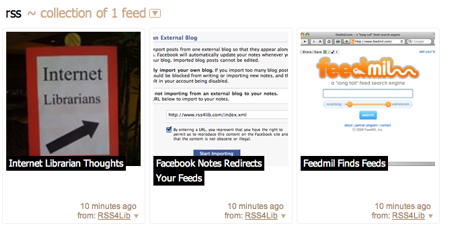
Spectives is focused on visual content. It ignores plain text entries on a blog, highlighting those posts with images. I created a collection called RSS and added this blog’s feed to it; Spectives pulled in the most recent posts that included images:

Spectives RSS Collection (screenshot)

Interestingly, Spectives ignores posts with embedded video (at least, the UStream feed embedded in a recent post on this blog).
Spectives’ front page offers a one-minute tutorial right up front — probably because the point of the tool is a bit vague, if intriguing — and then lists popular and featured collections. The “Nature Photography” collection (under featured) offers pictures from five photography feeds; the “Celebrities” collection pulls in feeds from 15 gossip/tabloid sites.
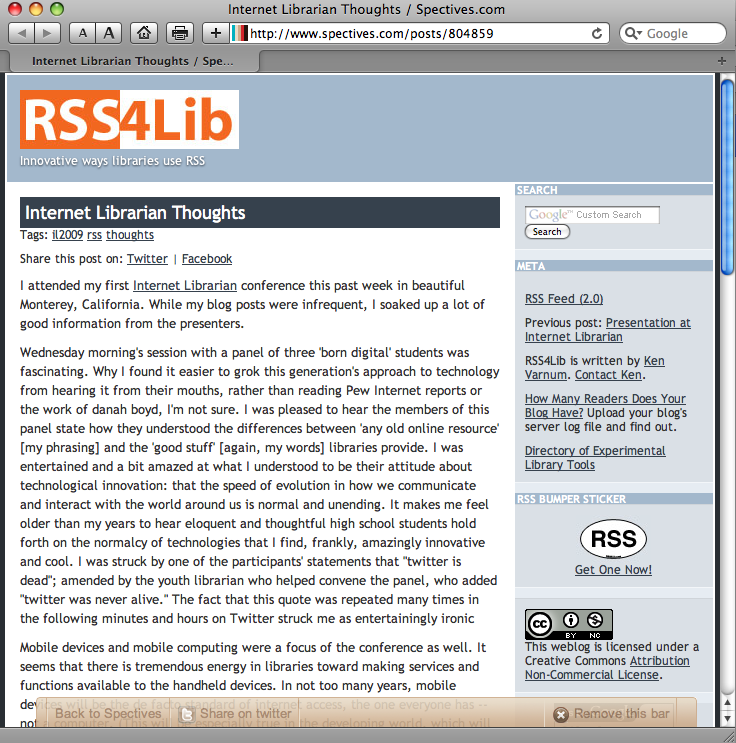
While the tool is interesting, its mechanism for getting users to the source content is highly annoying. Each collection (and search) comes with its own RSS feed that includes all the items in the source’s feed, not restricting it to images. Clicking to the full text of an item in the RSS feed takes you to the original site, which makes sense. However, Spectives puts a translucent toolbar across the bottom of the page with a link “Back to Spectives” and a link to share the post on Twitter — with a Spectives URL built in. Here’s a sample of my previous post, in its entirety, with a Spectives URL and my Creative Commons license, along with the Spectives toolbar.

Spectives Toolbar Superimposed on RSS4Lib (screenshot)
(Click image for full size version)

At the moment, this is probably in technical compliance with the Creative Commons license — however, as the “advertise” link on the bottom of every Spectives web page indicates, the site is clearly trying to monetize other peoples’ content. In my opinion, Spectives’ reproduction of my entire web site separated from my URL crosses an ethical, if not legal, line. I am not a fan.